TOPIC / AI SERVERS
AI servers for on-premise AI
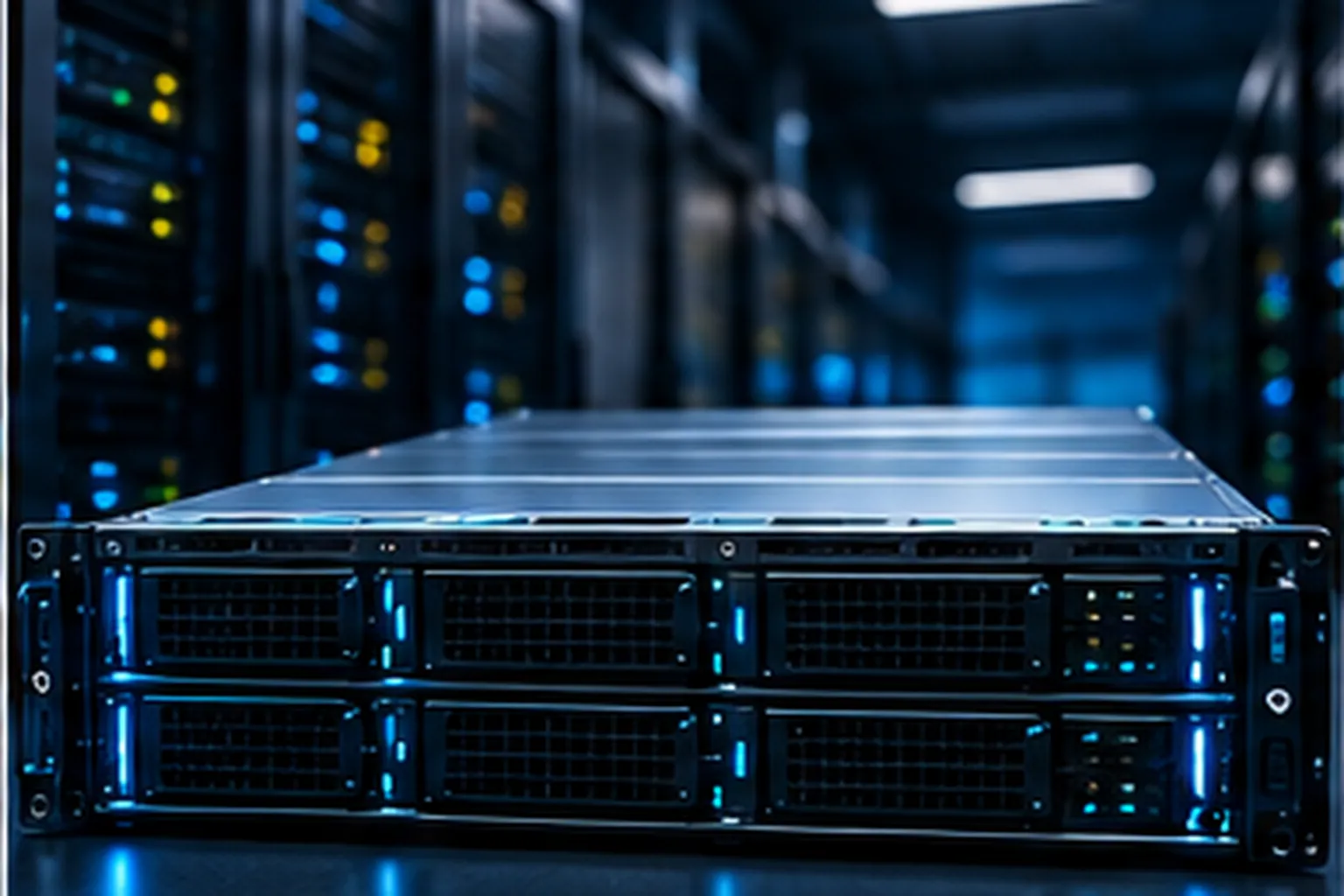
An AI server is a rack-mount, multi-GPU machine built to serve models to many people at once, run around the clock and be managed remotely. It's the hardware behind a company-wide private AI assistant, a RAG system or a shared training box.
Workstation or server?
| GPU workstation | AI server | |
|---|---|---|
| Users | One person or a small team | A department or the whole company, at the same time |
| Form factor | Tower under a desk | Rack-mount, in a server room or rack |
| GPUs | Typically 1–2 | Typically 2–8 |
| Power | Standard socket and UPS | Often redundant power supplies on dedicated circuits |
| Noise | Office-friendly | Loud. Keep it out of work areas. |
| Management | Local keyboard and screen | Remote management controller (BMC/IPMI) for power and console access |
| Uptime | Business hours | Designed for 24×7 operation |
How an inference server is sized
A workstation is sized by the biggest model you want to load. A shared server also has to hold the conversation memory (KV cache) of every active user, and that grows with the number of users and the length of their prompts and documents. Four inputs decide the GPU memory and count:
- The model, its size and precision: this is the fixed cost.
- Concurrent users, meaning people waiting on an answer at the same moment, not total staff.
- Context length, which grows with long documents, RAG results and long chats.
- Response-time target: how fast the first word should appear and how fast the text should stream.
Serving software such as vLLM batches many users' requests on the same GPUs and manages KV-cache memory efficiently, so one well-sized server can handle far more people than the same model in a desktop app. We size servers by modelling these four inputs for your workload. The VRAM guide shows the per-token KV-cache arithmetic.
The infrastructure around it
- Rack and power: rack depth, rails, and dedicated circuits sized for the server's peak draw. Multi-GPU servers commonly need several kilowatts.
- Cooling: the heat a server produces has to be removed by the room's air-conditioning. A server room that was fine for file servers may not cope with GPUs.
- UPS and shutdown: an online UPS plus automatic graceful shutdown, so a long outage doesn't corrupt models or databases.
- Network: fast links to your users and storage, and 10/25 GbE or faster if the server pulls large datasets or works with other nodes.
- Security: the server sits behind a firewall on its own network segment, with access through logins and VPN, never exposed directly to the internet.
What we deliver
- Sizing: model, users, context and growth, written up so you can see why each component was chosen.
- Build and test: TPL assembles and tests the server in India before delivery.
- Configuration: OS, drivers, serving stack, user accounts and monitoring.
- Deployment: Khoji Infosolution racks it, segments the network, configures the firewall and VPN, and connects it to your directory if you use one.
- Support: AMC covering monitoring, updates, model upgrades and hardware maintenance.
If what you need is a company-wide assistant rather than the raw server, start with private AI. It covers the software, data and access-control side.
Frequently asked questions
How many users can one AI server handle?
It depends on the model, context length and how many people are generating at the same instant. The same GPUs can serve a handful of users on a large model with long documents, or many more on a smaller model with short prompts. We work it out from your numbers rather than quote a generic figure.
Can we start with a workstation and move to a server later?
Yes. The software stack, models and data carry over. Many teams prove the use case on a workstation, then move to a server once adoption grows. The workstation then becomes a development box.
Do we need a dedicated server room?
You need a place with adequate power, cooling and noise isolation. That can be an existing server room if it has the capacity. We check this during sizing.