TOPIC / PRIVATE AI
Private AI server for business: on-premise LLM deployment in India
A private AI server is a ChatGPT-style assistant and document search running on hardware you own, inside your network. Prompts, files and answers stay on that server. It still has to be sized, secured, licensed and maintained like any other business system, and this page explains how.
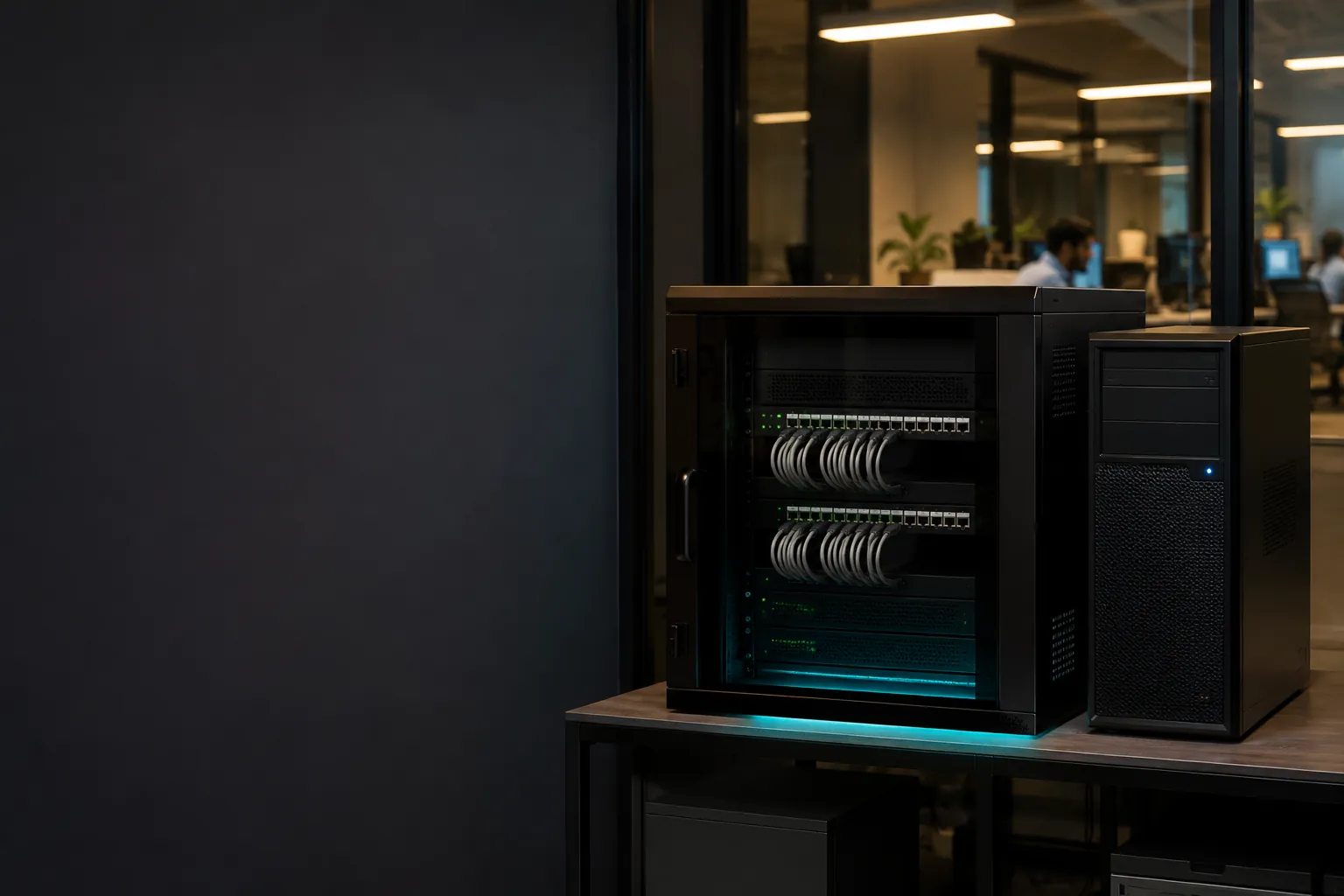
Short answer: for most Indian businesses with 10–100 staff, a private AI server is one GPU workstation or rack server running an open-weight model, a web chat with individual logins, and document search over your files. It keeps data on your premises. It doesn't make you compliant or secure by itself. You still need network isolation, access rules, a model whose licence fits your use, and someone to patch it.
What a private AI deployment includes
| Layer | What it is |
|---|---|
| Hardware | A GPU workstation for a small team, or an AI server for many concurrent users |
| Models | One or more open-weight language models, plus an embedding model for document search |
| Serving | A runtime that serves the model to many users at once, for example vLLM or Ollama |
| Interface | A web chat with individual logins and chat history, for example Open WebUI |
| Document search (RAG) | Your files are split, indexed in a vector database and retrieved to ground each answer |
| Access control | Who can use it, which models they can use and which document collections each team can see |
| Network and security | Firewall, network segmentation, VPN for remote staff, backups and monitoring |
What stays private, and what doesn't
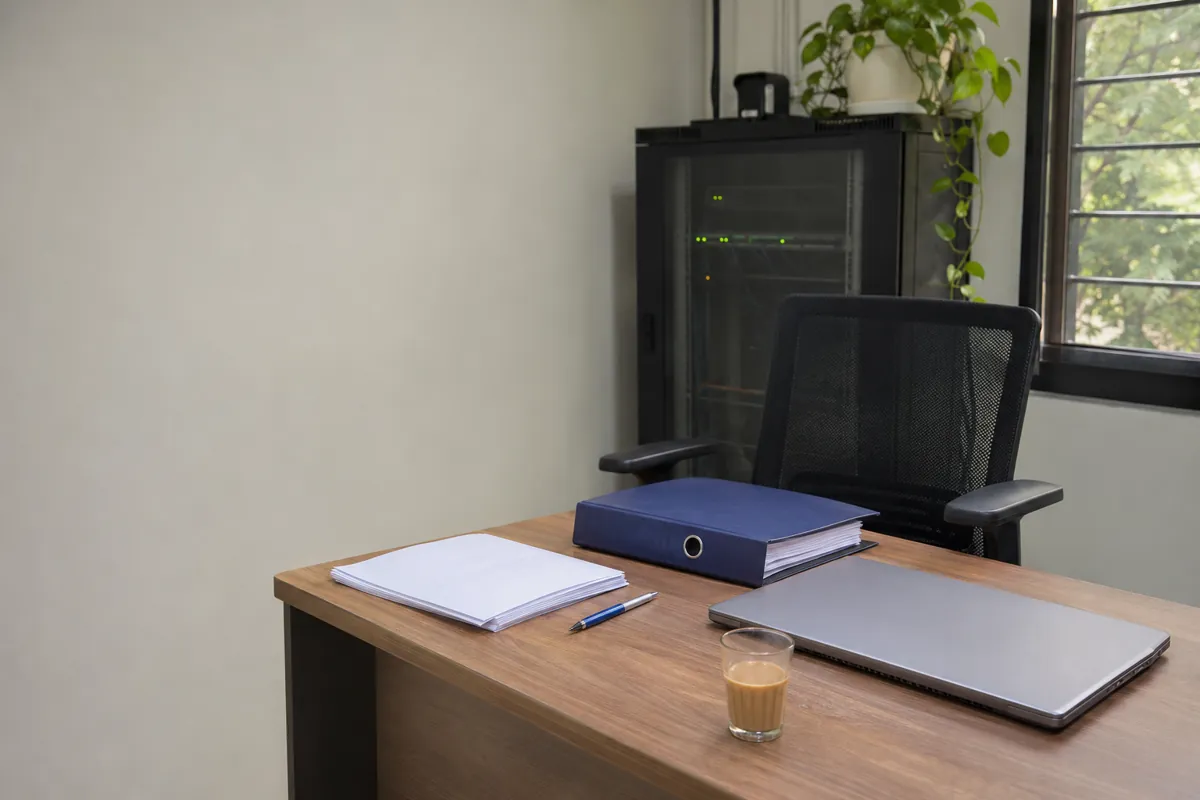
On a correctly built server, the model runs on your GPU and nothing in the prompt or answer has to leave the building. That's the main reason to do this. Data can still leave in a few ways, so check each one:
- Add-on features that call the internet. Web search, external "tools" and connectors to cloud services send query text outside. Turn off what you don't need, and decide team by team what is allowed.
- Mixed model lists. Many chat interfaces can also connect to cloud model APIs. If both are configured, staff may not notice which one answers. Keep cloud connections off the private server, or label them clearly.
- Software telemetry and update checks. Review each component's settings and block outbound traffic at the firewall except to the update sources you approve.
- People. Chat history and uploaded files are now business records on your server. They need a retention policy, backups and access rules like any file share.
Running offline: what works and what doesn't
Once installed, the model, chat and document search run with no internet connection at all. That suits plants, labs and restricted offices. Plan for what still needs data from outside:
| Task | Offline? | How it's handled |
|---|---|---|
| Chat, summaries, document Q&A | Yes | Runs entirely on the server |
| Adding or removing documents | Yes | Indexed locally by the embedding model |
| New or upgraded models | No | Downloaded elsewhere, checked, then copied in on approved media |
| Operating system, driver and security patches | No | Scheduled update window, or an offline mirror for air-gapped sites |
| Web search inside the chat | No | Not available on an offline server, by design |
An offline server is not "set and forget". Unpatched software is the most common way a private system becomes the weak point. Agree the update routine before go-live.
If the data comes from cameras or sensors on a factory floor rather than from staff, see our sister site's guide to offline AI at the edge. That's a different hardware class.
Security boundaries
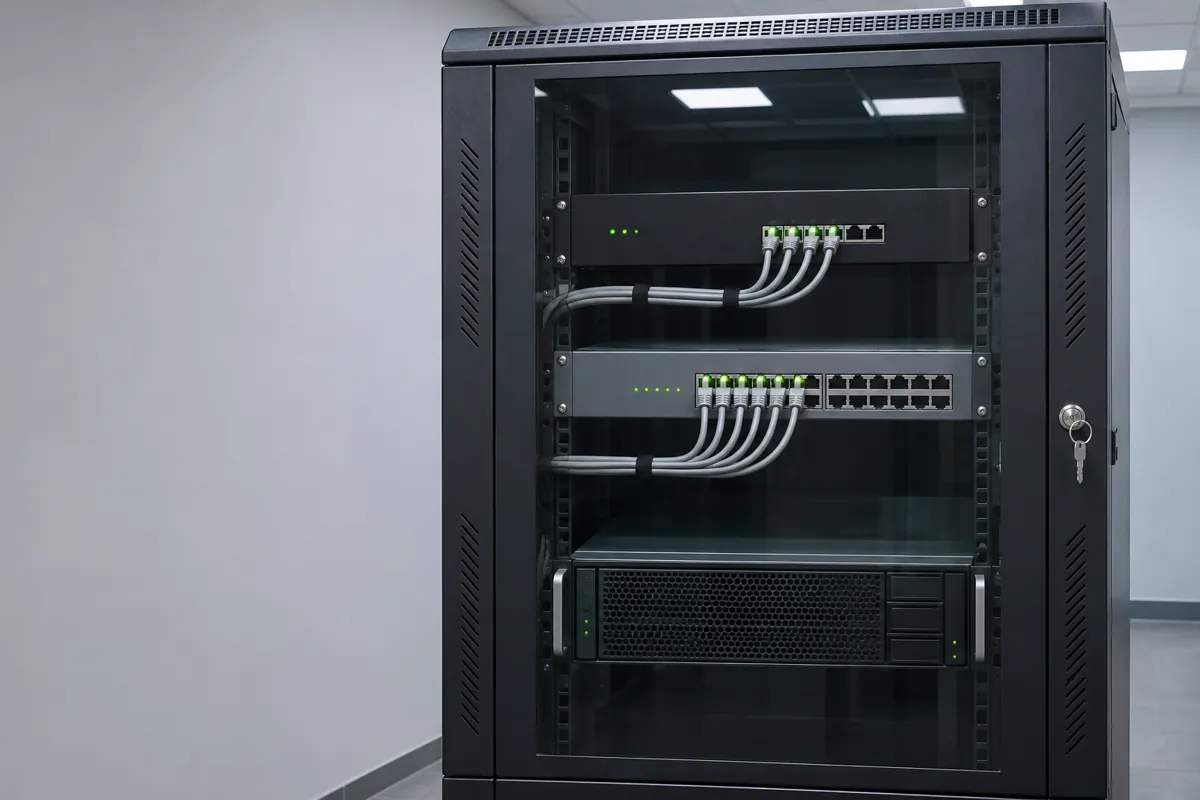
Private means the data is on your hardware. It doesn't mean the system is secure. These are the points where on-premise AI servers most often go wrong:
- Model APIs left open on the network. Ollama listens only on the local machine (127.0.0.1, port 11434) by default. Its documentation shows how to expose it to the network with
OLLAMA_HOST, but it doesn't describe a login of its own, so anyone who can reach the port can use it. vLLM's--api-keyprotects only some endpoints, and its documentation says not to rely on it alone. We keep model APIs on the server, or behind an authenticating reverse proxy, and give staff access only through the chat interface. - Never exposed directly to the internet. Remote staff connect over VPN. The server sits in its own network segment behind the firewall. Khoji Infosolution handles this part.
- Document permissions. RAG can only respect access rules you set. If HR files and sales files share one collection, anyone can get answers drawn from both. Separate collections by team from day one.
- Prompt injection from documents. A document can contain text that tries to steer the model. Treat answers as drafts, keep tools that take actions (sending email, editing records) off until you've tested them, and don't give the model permissions a junior employee wouldn't have.
- Logs and backups. Chat logs contain sensitive text. Encrypt backups, restrict admin access and set how long history is kept.
Access management
Every person should have their own login. Shared accounts make it impossible to separate document access or trace misuse. A good setup includes:
- Single sign-on where you have it. Open WebUI, for example, supports SSO/OIDC and LDAP, roles, user groups and per-model access, so staff use their existing work accounts.
- Roles: users, team leads who manage their collections, and a small number of administrators.
- Joiners and leavers: access follows your directory, so disabling a leaver's account removes AI access too.
- Admin separation: the people who manage the server aren't automatically able to read every team's documents.
How document search (RAG) works

Retrieval-augmented generation lets the model answer from your documents without retraining it:
- Ingest: policies, manuals, contracts and reports are split into passages.
- Index: each passage is turned into a vector by an embedding model and stored in a vector database.
- Retrieve: when someone asks a question, the most relevant passages are found.
- Answer: the LLM writes a reply using those passages and can cite which document each part came from.
Updating knowledge is as simple as adding or removing documents. Answer quality depends heavily on clean source documents: scanned PDFs need OCR, duplicates and outdated versions confuse retrieval, and tables often need checking. Plan time for this. It usually matters more than the choice of model.
Model licences: check before you deploy
"Open-weight" doesn't mean "no conditions". Each model comes with its own licence, and the licence can differ between sizes of the same family. Examples, checked on the publishers' pages on 5 November 2026:
| Model | Licence | Conditions to note |
|---|---|---|
| Meta Llama 3.1 | Llama 3.1 Community License | Acceptable Use Policy applies. Show "Built with Llama" if you distribute it or a derivative. Derivative model names must start with "Llama". Separate licence needed above 700 million monthly active users. |
| Qwen2.5-32B-Instruct | Apache 2.0 | Permissive. Other Qwen sizes and versions can carry different licences, so check each model card. |
| Mistral Small 3.1 (24B) | Apache 2.0 | Permissive. Some other Mistral models use different licences. |
| Google Gemma (earlier generations) | Gemma Terms of Use | A Prohibited Use Policy applies and must be passed on to anyone you redistribute to. Google lists Gemma 4 under separate terms. |
This is a summary to help you shortlist, not legal advice. Have the licence for your chosen model reviewed, especially if you will offer the AI to customers rather than only to staff.
Data protection: what private AI does and doesn't change
If your documents contain personal data, the Digital Personal Data Protection Act, 2023 governs how you process it. The DPDP Rules were notified in November 2025 with an eighteen-month period for phased compliance, so obligations for data fiduciaries such as consent notices and security safeguards are being phased in now. Keeping processing on your own server can make some of these easier to control: you know where the data is, who can reach it and how long it's kept.
It doesn't make you compliant. You still need a lawful basis for processing, security safeguards, breach handling and retention rules. Take advice from your legal or compliance team, and we'll build the system to the controls they specify.
How a private AI server is sized
Sizing starts from the number of people using it at the same moment, not the number of staff. A 50-person office often has 5–10 conversations running at once. Each conversation needs its own context memory (KV cache) on the GPU, on top of the model itself. Using the arithmetic from our VRAM guide, with 4-bit models and 8K tokens of context per conversation:
| Model (4-bit) | Simultaneous conversations | Weights + context + overhead | GPU memory class |
|---|---|---|---|
| Llama 3.1 8B | 10 | 4.9 + 10.7 + ≈1 ≈ 17 GB | 24 GB |
| Qwen2.5 32B | 5 | 19.9 + 10.7 + ≈1 ≈ 32 GB | 48 GB (32 GB is too tight) |
| Qwen2.5 32B | 10 | 19.9 + 21.5 + ≈1 ≈ 42 GB | 48 GB |
| Llama 3.1 70B | 10 | 42.5 + 26.8 + ≈1 ≈ 70 GB | 96 GB, or two 48 GB cards |
This is arithmetic, not a benchmark, and it's a worst case where every conversation is full at once. Serving runtimes such as vLLM allocate context memory as it's used, and storing the cache at 8-bit roughly halves it. We confirm sizing by testing your model on the proposed hardware before you buy.
For what each GPU tier can run and how fast, see best GPU for local LLMs and best local AI workstation in India. For more than one server or many departments, see AI servers.
Sizing questionnaire
Answer these in the enquiry form or on WhatsApp. Rough answers are fine, and "don't know" is a useful answer too. We'll work the rest out with you.
- What will people use it for: drafting, summarising, document Q&A, coding, translation, something else?
- How many people will use it, and how many at the same time at the busiest hour?
- Which documents should it know, roughly how many, and in what formats (Word, PDF, scanned PDF, spreadsheets, email)?
- Do the documents contain personal, financial, health or client-confidential data?
- Should different teams see different documents?
- Do you have single sign-on (Microsoft 365, Google Workspace, Active Directory) we should connect to?
- Must it run fully offline, or can it reach approved update sources?
- Will staff use it from home or other branches?
- Which languages do you need: English, Hindi, Punjabi, others?
- Where will the server sit: server room, office floor, data centre? Is there an online UPS and air-conditioning?
- Who on your side will own it after go-live?
When cloud AI is the better choice
Private AI isn't always the answer. If you need the very strongest frontier models for complex reasoning, have light or occasional usage, or have no one to own the system, a business plan from a cloud AI provider may serve you better. Many organisations run both: private AI for sensitive documents and cloud tools for everything else. We'll tell you if the cloud is the better fit.
How we deploy it
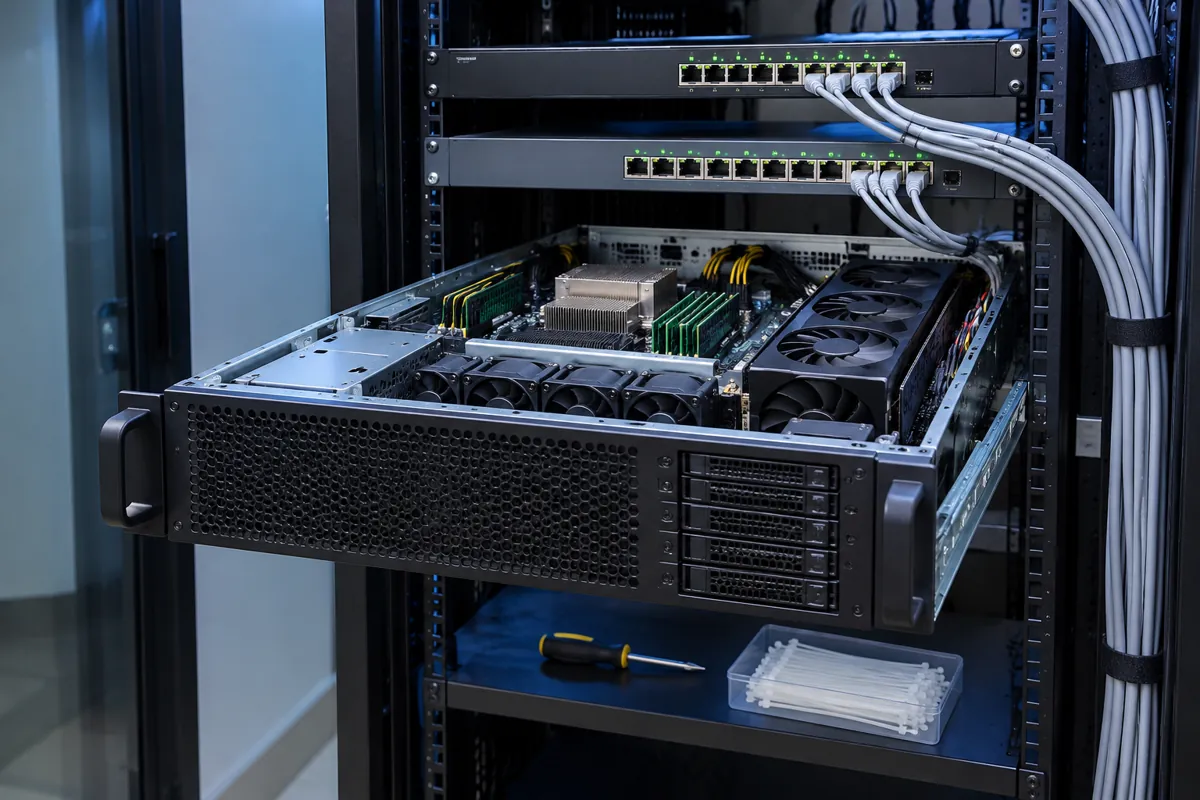
- Assess: use cases, users, documents, sensitivity and existing infrastructure, from the questionnaire above.
- Size: model choice, hardware and storage, with the reasoning written down.
- Build: TPL builds and tests the hardware. The software stack is installed and validated on it.
- Deploy: Khoji Infosolution integrates it into your network: firewall, segmentation, VPN, logins and backups.
- Pilot, then expand: start with one team and a defined document set, measure answer quality against questions you agree in advance, then widen access.
- Support: AMC for monitoring, updates, model upgrades and hardware maintenance.
What maintenance involves
- Software updates: operating system, GPU driver, serving runtime and chat interface, each tested before rollout.
- Model upgrades: newer models are tried against a fixed set of your own questions before they replace the current one.
- Documents: re-indexing as files change, and removing outdated versions.
- Hardware: GPU temperatures, disk health, dust filters and UPS batteries.
- Backups: configuration, chat history (per your retention policy) and the document index, with a tested restore.
Frequently asked questions
Will a private AI be as good as ChatGPT?
For drafting, summarising and answering questions from your own documents, current open-weight models do very well, especially when grounded with RAG. For the hardest open-ended reasoning, the largest cloud models are still ahead. We help you test on your real tasks before committing.
Does a private AI server make us DPDP-compliant?
No. It gives you more control over where personal data is processed and who can reach it, which helps. Compliance still depends on your notices, lawful basis, safeguards, breach handling and retention. See data protection above.
Can it run with no internet connection?
Yes, for everyday use. Model upgrades and security patches are brought in through a controlled update routine. See running offline.
Can staff use it from home?
Yes, through a VPN or another secure remote-access method. It should not be exposed directly to the internet.
Does the model learn from our chats?
Not unless you choose to fine-tune it. Out of the box, the model is unchanged by use. Chat history is stored on your server under your retention policy.
Can we start small?
Yes. Many deployments start as a single GPU workstation for one team, then move to a server when usage grows. We size the first machine so its parts and setup carry forward.
Sources
- Ollama FAQ: default bind address and OLLAMA_HOST
- vLLM: OpenAI-compatible server and API key limitations
- Open WebUI: features (roles, groups, SSO/OIDC/LDAP, knowledge bases)
- Meta: Llama 3.1 Community License Agreement
- Qwen2.5-32B-Instruct model card (licence)
- Mistral Small 3.1 24B Instruct model card (licence)
- Google: Gemma Terms of Use
- MeitY: The Digital Personal Data Protection Act, 2023 (PDF)
- Press Information Bureau: DPDP Rules, 2025 notified, eighteen-month phased compliance (backgrounder, PDF)