Best Local AI Workstation in India (2026)
Five local AI workstation builds by workload: GPU and VRAM, system RAM, storage, operating system, PSU and UPS sizing for Indian offices. No invented prices.
TOPIC / GPU WORKSTATIONS
A GPU workstation is the desk-side machine that does serious local AI: running language models, generating images, fine-tuning and training. The GPU's memory (VRAM) decides what it can run. Everything else in the build exists to keep that GPU fed, cool and stable.
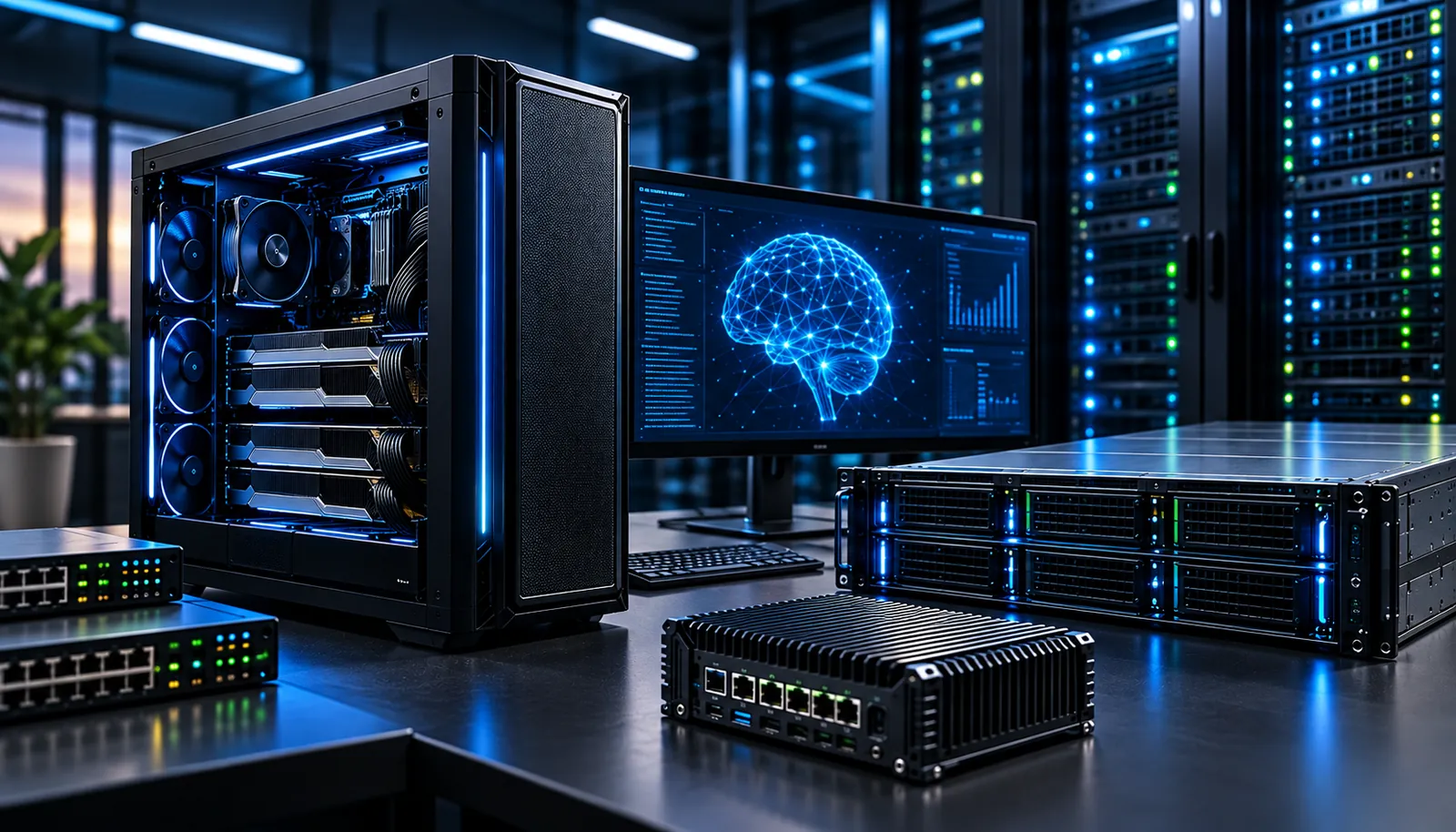
One person or a small team works on it directly. When a whole department needs the same model at the same time, look at an AI server instead.
These are typical fits for inference with 4-bit quantised models and around 8K tokens of context. Longer context, higher precision or several simultaneous users need more memory.
| Total VRAM | Language models (4-bit) | Other typical work |
|---|---|---|
| 12–16 GB | 7–8B comfortably, 14B with short context | SDXL image generation, learning and prototyping |
| 24 GB | Up to about 32B with modest context | FLUX-class image models with 8-bit weights, LoRA/QLoRA fine-tuning of 7–8B models |
| 32 GB | 32B with longer context | 16-bit FLUX-class image models, heavier fine-tuning |
| 48 GB | 70B-class with limited context | QLoRA fine-tuning of much larger models |
| 96 GB and up | 70B at 8-bit, or long context and several users | Larger fine-tunes, multi-model serving |
48 GB or more is usually reached with two or more GPUs, or with a professional card that has more memory per slot. The VRAM guide shows the full calculation for each row.
| Consumer (gaming-class) cards | Professional workstation cards | |
|---|---|---|
| Performance per rupee | Usually the best | Lower; you pay for memory and features |
| VRAM per card | Lower at the top end | Higher, so fewer cards for the same model |
| Multi-GPU density | Large open-air coolers make 3–4 cards hard | Slimmer designs built to sit side by side |
| Error-correcting memory | Usually not | Usually yes (ECC) |
| Best fit | Single-user inference, image generation, development | 24×7 workloads, dense multi-GPU builds, long training runs |
Most current consumer cards have no NVLink, so in a multi-GPU build the GPUs talk over PCIe. That works well for splitting a model across cards during inference, but it slows training jobs that exchange a lot of data between GPUs.
For the same total VRAM, one card is simpler: no model splitting, less power and less heat. Two cards can be cheaper and let two jobs run in parallel. For single-user inference both work. For training, one larger card is usually more efficient.
Yes, if the power supply, case and motherboard were planned for it. We size those for your next GPU, not just the current one, when you tell us your upgrade path.
Linux (Ubuntu LTS) has the broadest support for AI servers and training tools. Windows suits mixed creative and engineering work. We can set up either, or dual-boot.
GUIDES
Five local AI workstation builds by workload: GPU and VRAM, system RAM, storage, operating system, PSU and UPS sizing for Indian offices. No invented prices.
How much GPU memory local LLMs, image generation and fine-tuning really need, with the formula, the KV-cache arithmetic and worked examples from 8B to 70B models.